
Run WhatsApp promotional campaigns and customer messaging.
Kiana WhatsApp Panel helps businesses manage approved templates, conversations, contacts, and follow-up inside one organized workspace.



Run WhatsApp campaigns from one workspace
Create templates, organize contacts, send campaigns, and follow up with replies from a single panel.
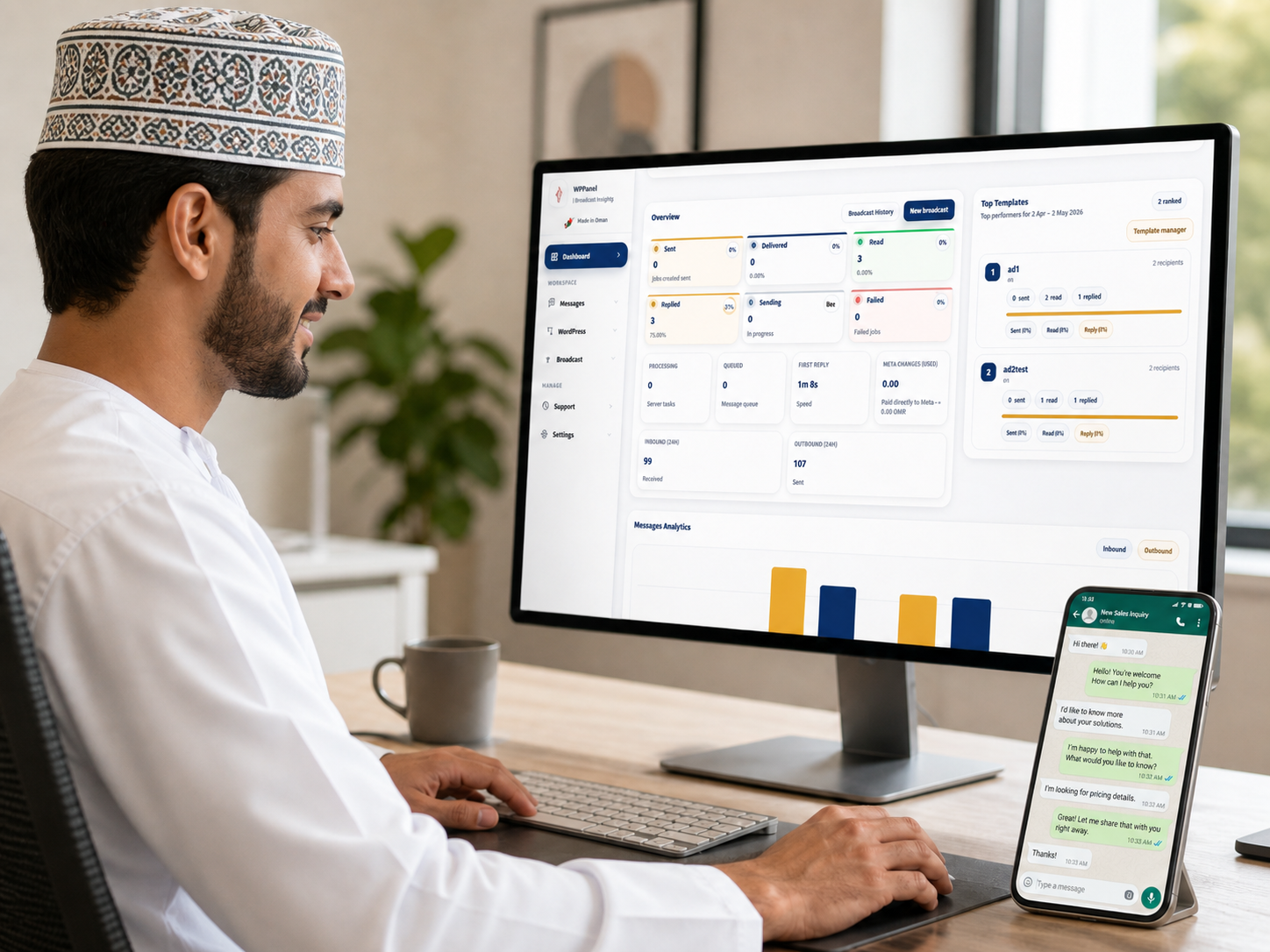
Turn customer chats into organized operations
Keep inbox, contacts, follow-ups, tasks, and appointments connected without losing customer context.
Everything needed to manage WhatsApp operations
Start with campaigns and contacts, then grow into customer workflow and team management.
Campaign workspace
Create approved-template campaigns and monitor customer replies in one place.
Inbox and contacts
Keep customer messaging and contact records organized for daily operations.
Templates and quick replies
Use reusable responses and bilingual quick replies to speed up communication.
Follow-up workflow
Track leads, follow-ups, appointments, and tasks as your team grows.
Billing and plan control
Manage workspace subscriptions from inside the panel without touching Meta usage billing.
Oman-ready trust layer
Present clear payment and platform trust signals for local customer confidence.
Useful for real business workflows in Oman
Designed for businesses that already sell, book, and support customers through WhatsApp.
Retail and social sellers
Send offers, organize replies, and follow up with interested customers.
Clinics and service bookings
Handle appointment requests, confirmations, and customer communication.
Agencies and campaign teams
Manage campaign templates, contact lists, and response follow-up in one workspace.
Support and after-sales
Keep customer history, notes, and status visible for better service.
How it works
A simple flow for businesses moving from scattered WhatsApp chats to organized customer operations.
Connect your workspace
Set up your panel, business details, and WhatsApp connection path.
Organize contacts and templates
Bring contacts together and prepare approved messages and quick replies.
Send campaigns and manage replies
Run campaigns and keep customer responses inside the workspace.
Follow up and improve operations
Use tasks, appointments, notes, and reporting as your team grows.
Start with a 5-day trial, then manage billing inside your workspace.
Try the panel, connect your setup, and choose the right plan when you are ready to continue.